
Download Virtual Interactive Fireplace – Interactive Fire Lighting, Cozy Ambient Sounds, Retro-Inspired Graphics
Overview
Virtual Interactive Fireplace offers a digital sanctuary designed to bring warmth and serenity into everyday life. This mobile application simulates the experience of a crackling fireplace with an emphasis on interactivity, ambient soundscapes, and nostalgic visual design. It serves as a calming tool for users seeking a peaceful atmosphere during quiet evenings, seasonal celebrations, or moments of mental reset.
The app is particularly suited for individuals who appreciate ambient experiences, those looking to enhance their home ambiance without physical fire hazards, or users in colder climates seeking emotional comfort during winter months. While the developer did not provide additional background information, the app’s focus on sensory immersion suggests a deliberate design philosophy centered on emotional well-being and digital relaxation. Real-world use cases include creating a cozy backdrop for video calls, enhancing gaming sessions, or simply enjoying a moment of mindfulness.
In the broader mobile app ecosystem, Virtual Interactive Fireplace occupies a niche space between utility and emotional wellness tools, offering a unique blend of interactivity and ambiance that distinguishes it from standard screensavers or ambient music apps.
Key Features & Functionality
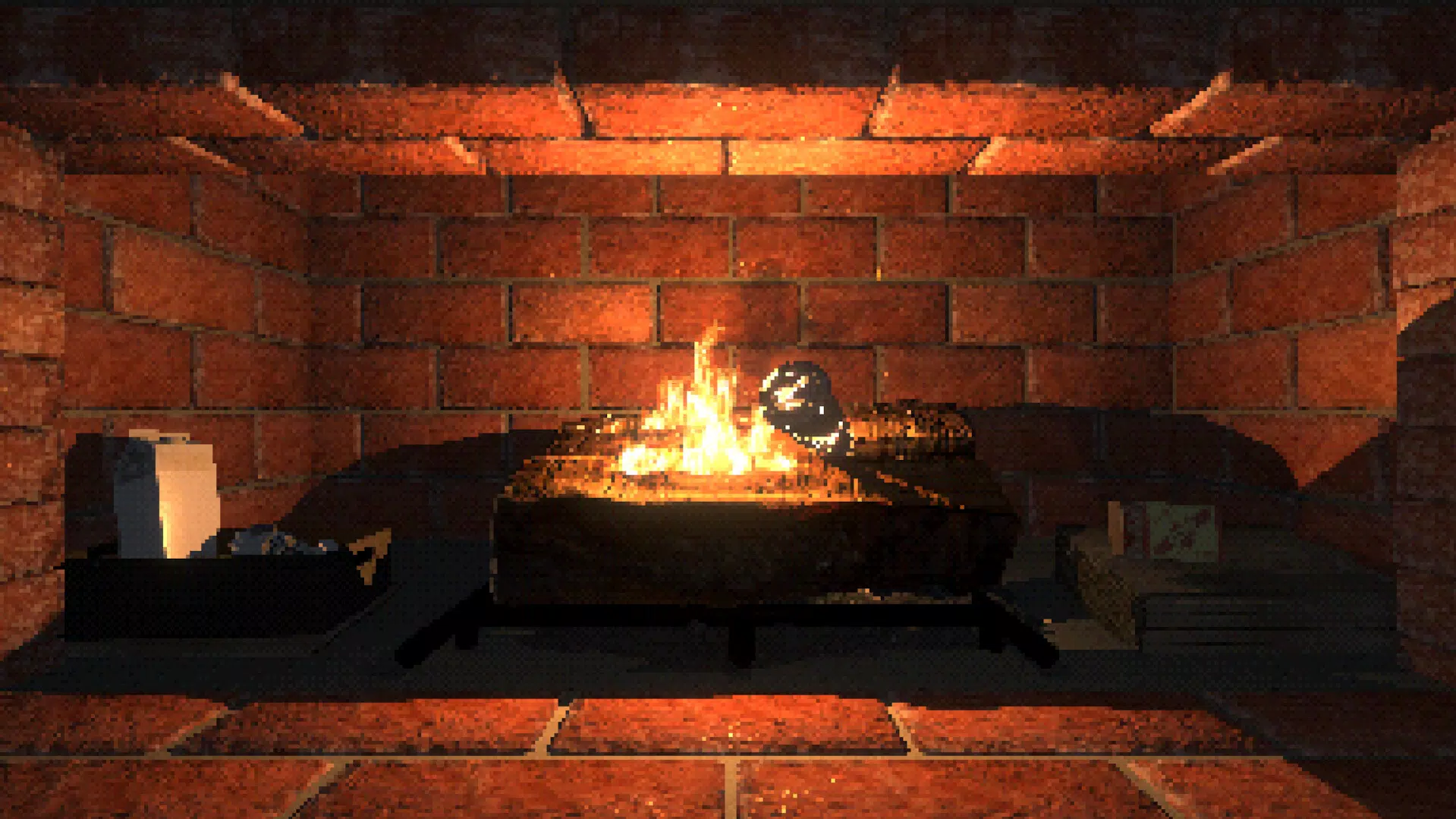
- Interactive Fire Lighting: Users are not passive observers but active participants in the fire-starting process. The experience begins with placing virtual tinder, followed by lighting a match and igniting logs—each step contributing to a more personal and immersive experience.
- Cozy Ambient Sounds: A carefully curated mix of gentle pops, crackles, and soft flickering sounds creates a rich auditory environment that enhances the realism and emotional impact of the simulation.
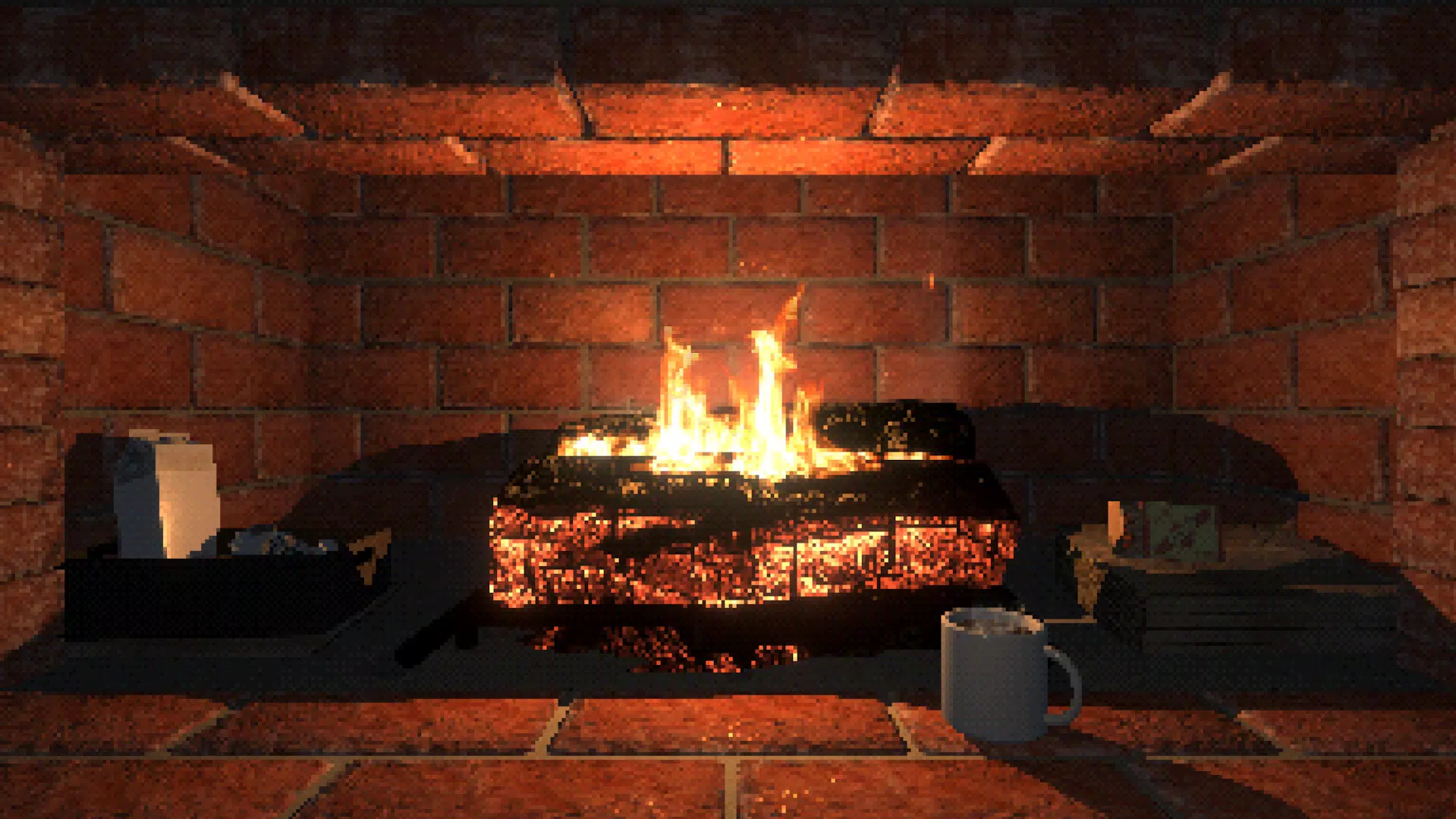
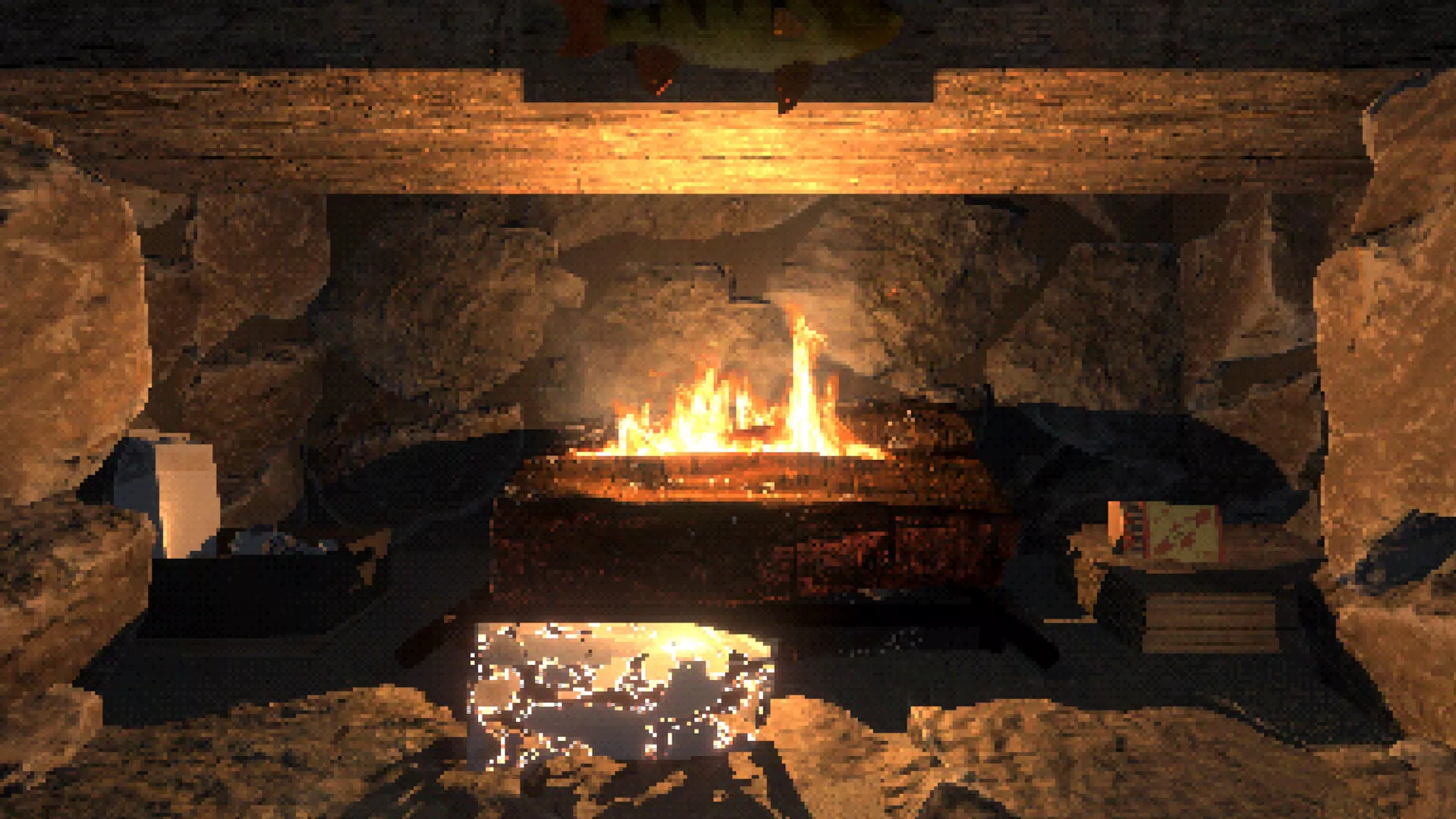
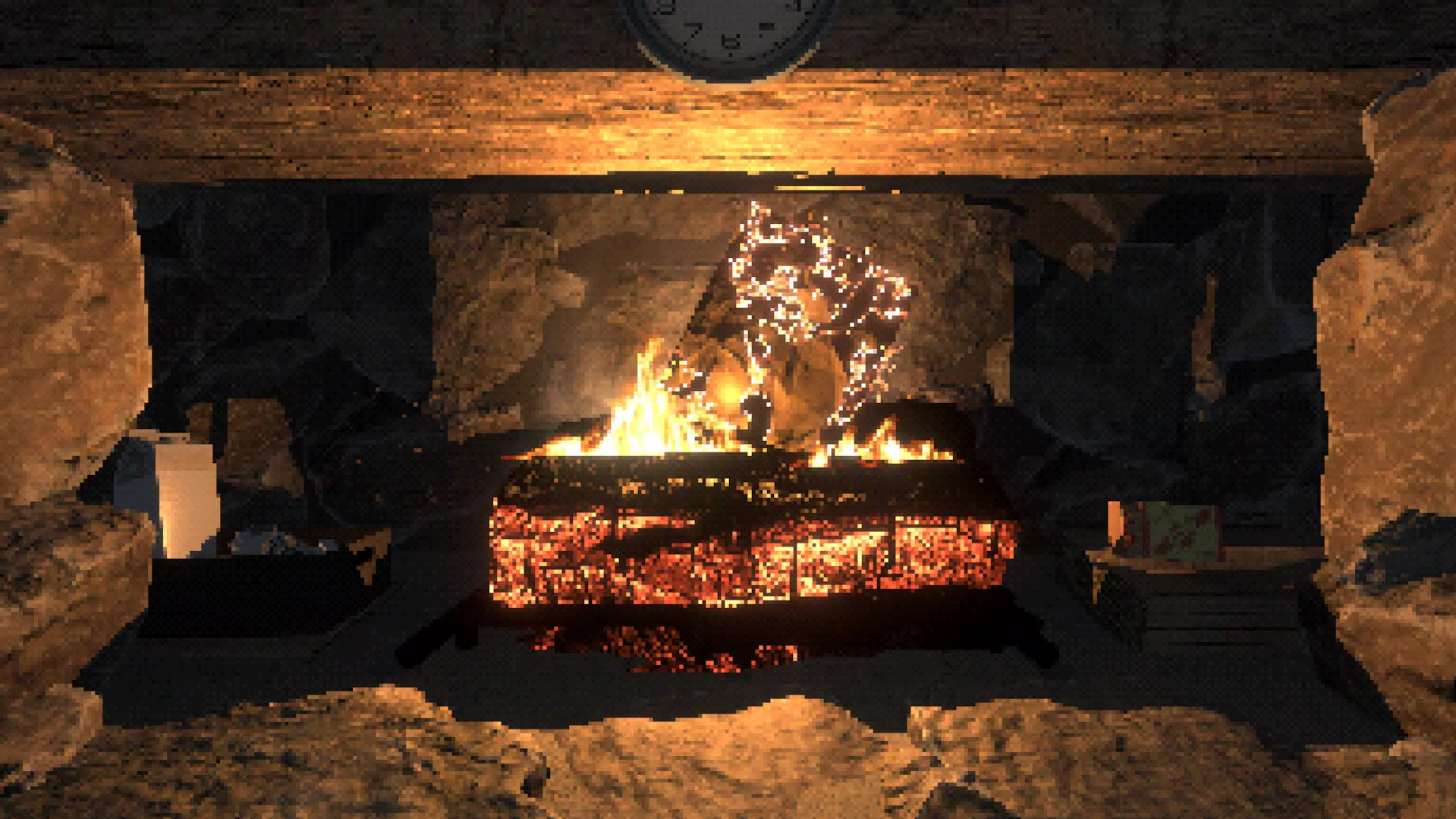
- Nostalgic Visuals: The retro-inspired graphics feature vibrant, stylized flames and warm color gradients, evoking a sense of familiarity and comfort associated with classic digital aesthetics.
- Versatile Use Cases: Whether used during holiday gatherings, as background ambiance for remote work or gaming, or simply to unwind after a long day, the app adapts to various emotional and environmental contexts.
- Minimalist Design: The interface prioritizes simplicity, offering clear instructions and intuitive navigation, ensuring that users of all technical skill levels can enjoy the experience without friction.
These features combine to create a multi-sensory experience that goes beyond passive viewing. For instance, a user preparing for a quiet night in can engage in the fire-starting ritual, listen to the ambient sounds, and enjoy the visual warmth—all within minutes. Similarly, during a family video call, the app can serve as a shared visual and auditory backdrop, subtly enhancing the sense of connection and togetherness.
Interface, UX & Performance
The user interface of Virtual Interactive Fireplace is designed with minimalism in mind, featuring clean layouts and intuitive controls. Navigation is straightforward, with the core interaction—lighting the fire—initiated through a series of clearly labeled steps. The visual style leans into retro aesthetics, using vibrant but non-distracting colors and smooth animations to simulate flame movement.
Although the developer did not list formal performance metrics, the app appears optimized for smooth operation across a range of mobile devices, with no reported lag or stutter during interaction. Responsiveness is consistent, allowing users to trigger actions like lighting the match or adjusting flame intensity with immediate feedback. Stability is maintained during extended use, suggesting efficient memory management.
The app’s design avoids clutter, ensuring that the focus remains on the fire simulation itself. Compatibility across different screen sizes and resolutions has not been explicitly detailed, but the interface appears adaptable. Overall, the user experience is seamless and calming, aligning with the app’s purpose of providing tranquility and emotional comfort.
Platform Compatibility & Technical Requirements
Virtual Interactive Fireplace is available on Android and iOS platforms. The app’s current version is 1.0, with a file size of 24.5 MB. Specific requirements such as minimum OS version or device compatibility were not listed by the developer.
The developer did not specify whether the app supports tablets or foldable devices. While the file size suggests a lightweight application, no information was provided about background operation, battery usage, or data permissions. Users should be aware that the app may require access to audio and display functions to deliver its full experience.
The developer did not disclose whether the app supports offline use or requires an internet connection for core functionality.
Pros and Cons
- Interactive fire-starting process enhances engagement and emotional connection
- High-quality ambient sounds contribute to a realistic and calming atmosphere
- Retro-inspired visuals offer a nostalgic and visually appealing experience
- Minimalist interface ensures ease of use for all user levels
- Adaptable to multiple use cases, including relaxation, gaming, and social calls
- Specific technical requirements were not disclosed
- Developer did not provide information on background operation or battery impact
- Compatibility with larger devices was not confirmed
- No details on update frequency or long-term maintenance
- Internet connectivity needs were not specified
FAQ
Is Virtual Interactive Fireplace safe to use on my smartphone?
The app is designed for safe use and does not require access to sensitive data or personal information. It operates within standard mobile app permissions, focusing on audio and display functions.
Can I use the app without an internet connection?
The developer did not specify whether the app requires an internet connection. Based on its nature as a local simulation, it may function offline, but this has not been confirmed.
Does the app drain my battery quickly?
While the developer did not provide battery usage data, the app’s lightweight size and minimal background activity suggest moderate power consumption. However, extended use may impact battery life depending on device.
Is Virtual Interactive Fireplace available for both Android and iOS?
Yes, the app is available on both Android and iOS platforms. The developer did not specify any platform-specific limitations.
How often is the app updated?
Update frequency was not disclosed by the developer. Users should check their app store for the latest version and release notes.
Final Thoughts
Virtual Interactive Fireplace delivers a thoughtful and immersive experience that blends interactivity with emotional comfort. Its unique combination of step-by-step fire lighting, ambient sound design, and retro visuals sets it apart from passive background apps. The minimalist interface ensures accessibility, while its versatility makes it suitable for relaxation, social interaction, or creative environments.
Though some technical details remain undisclosed, the app’s core functionality is well-executed and purpose-driven. For anyone seeking a digital retreat from the noise of daily life, this app offers a genuine moment of peace. Whether you're winding down after work, preparing for a holiday gathering, or simply craving a touch of warmth, Virtual Interactive Fireplace provides a serene escape.
Download Virtual Interactive Fireplace now.


